Pengenalan Desainer
Setelah masuk ke ChartCool, pengguna dapat menyelesaikan desain dan produksi semua grafik melalui desainer gambar online ChartCool. Desainer ini merupakan modul inti platform ChartCool, dan ada banyak modul lainnya.
Prasyarat
Setelah mendaftar dan masuk ChartCool, masuk ke desainer alat gambar online dan buka "Konfigurasi Data"
Deskripsi struktur (dari atas ke bawah)
Navigasi Atas
The top navigation consists of left and right parts, the left side is the editing of the chart name, and the right side is mainly the following commonly used buttons (upgrade member, download chart, share, user homepage, feedback, etc.)
Pemilih Template
Display the templates prepared by the system for users. Each chart type has a lot of templates for you to choose from. You can choose a category and click on the template to use it (the template will use the user-configured data first. If the user-configured data causes If the template display is abnormal, you can click "Use Template Data" in "Data Configuration" to restore the template effect)
Toolbar
The toolbar mainly provides some common functions (theme, background, coordinate type, X coordinate, Y coordinate, title, legend, etc.) of the chart integrity of user operations, which will be explained in detail in the toolbar later
Area Tampilan
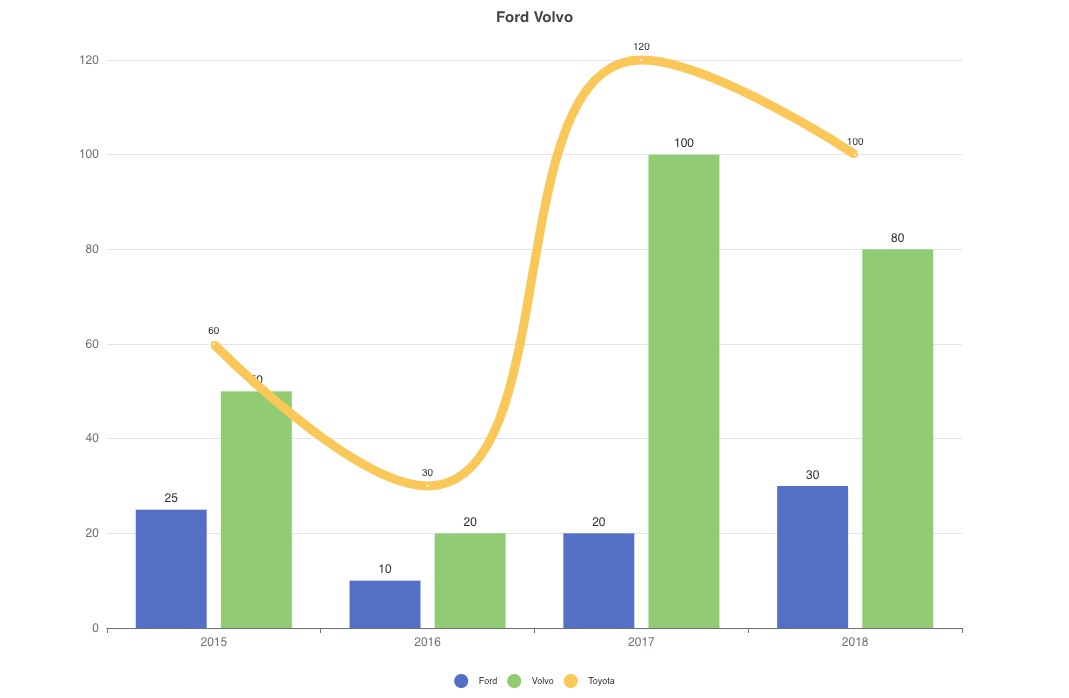
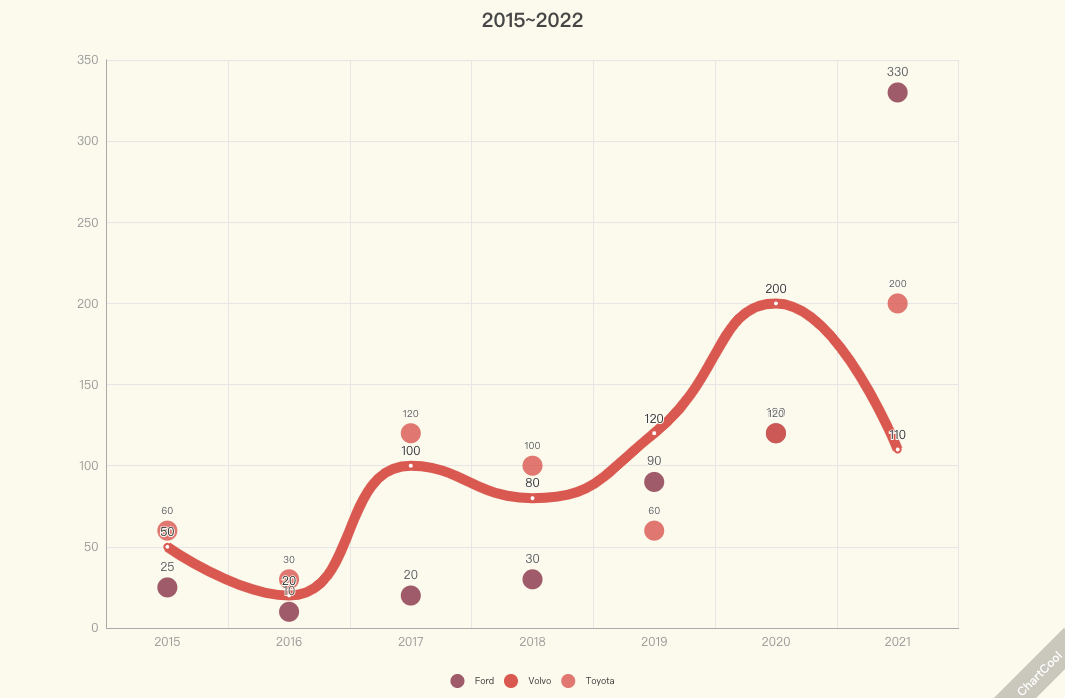
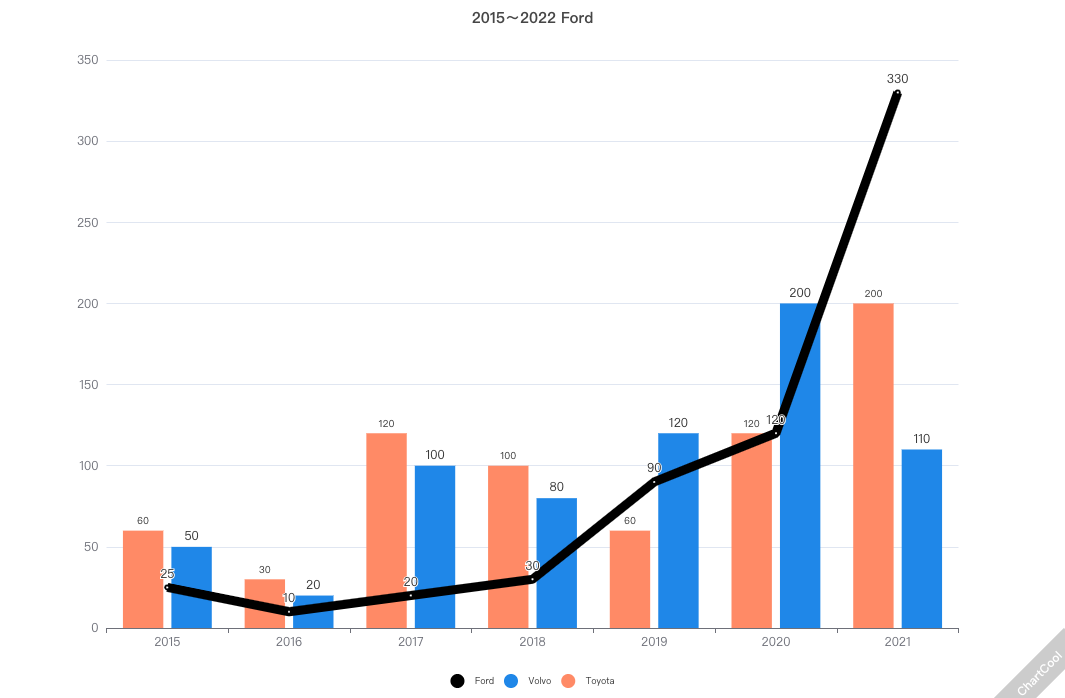
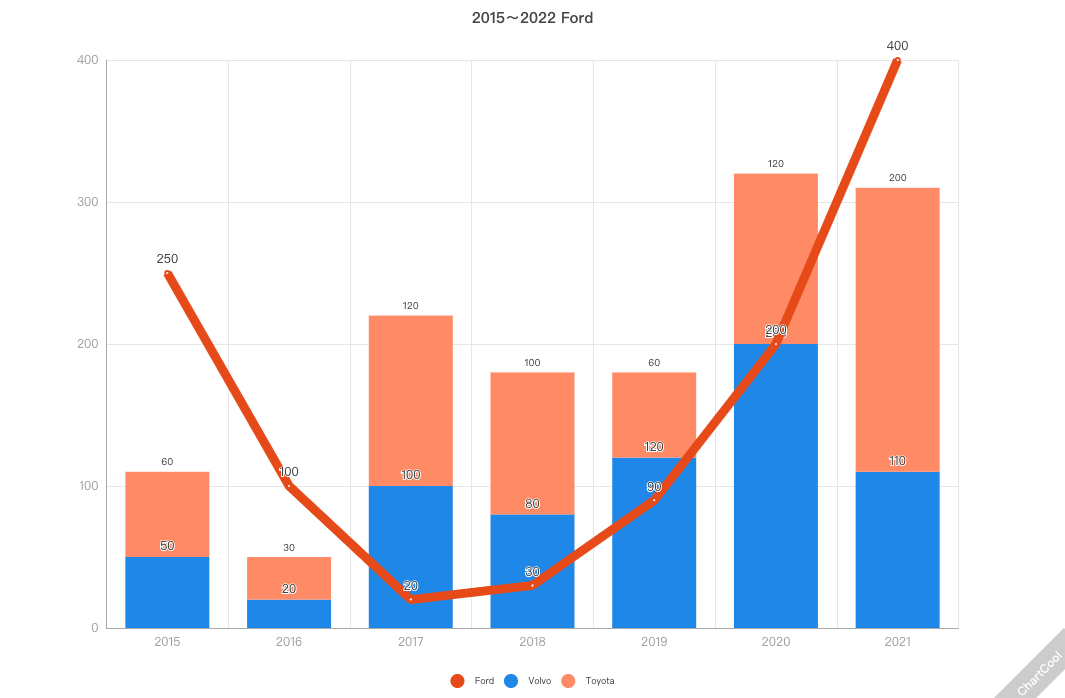
The exhibition area mainly refers to the display area of the final effect of the chart. All the user's designs will be displayed immediately in the chart display area to save the display effect
Konfigurasi Grafik
The chart configuration area includes two types (data configuration and general). The data configuration is unified. Conventions have some differences in different types of charts. You can refer to the corresponding type of chart configuration instructions