Theme and background color
The theme of the chart includes the background color, the basic color range of the chart, and the basic color of the text. The background color mainly refers to the background color of the chart.
Prasyarat
After registering and logging in ChartCool, enter the online drawing tool designer
Ikhtisar fungsi
Efek Antarmuka
Themes We provide a total of 12 themes for everyone to use, the overall effect is as follows
| description | Konfigurasi Tema | Background Color Configuration |
|---|---|---|
| Efek Antarmuka |
theme
|
 |
| Instructions for use | The user selects one of the themes to immediately apply to the current chart |
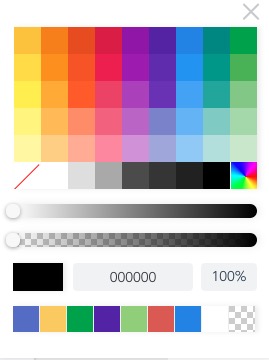
The color picker has many operations 1. Select a single color: click on the color block 2. Choose more colors: you can click the button to choose 3. Set transparency: you can configure the scroll wheel below or adjust the value of 0-100 4. Set the hexadecimal color code: enter the configured code in the input box of the hexadecimal code, and then click the button on the left. |